
App Store Screenshot Sizes (2026): Required Dimensions and How to Make Them
Updated
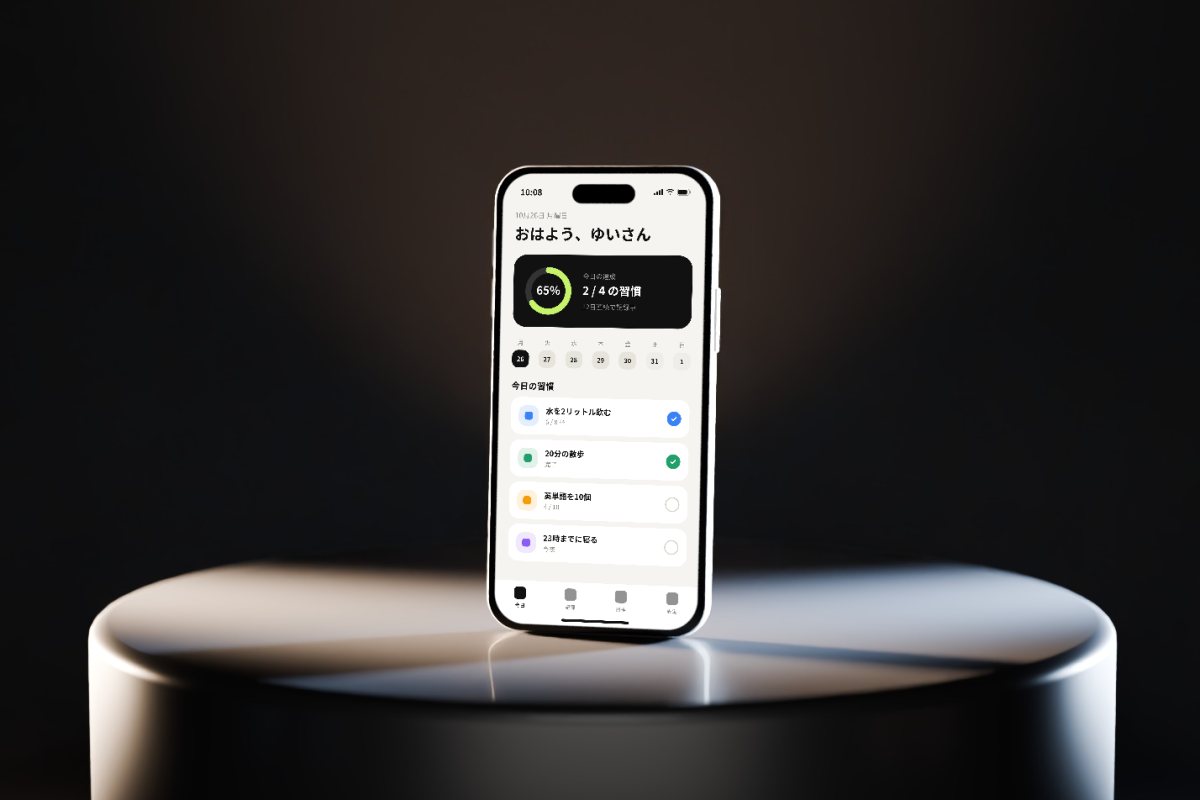
App Store screenshots are uploaded in App Store Connect, one set per display size. As of November 2026, an iPhone app needs one set at 1206×2622 px (or 1179×2556 px). That is the size for iPhones with a Dynamic Island and a medium display, such as iPhone 16 Pro and iPhone 17 Pro. App Store Connect scales your largest set down for smaller screens.
Required and optional sizes
| Display | Portrait (px) | Required? |
|---|---|---|
| iPhone, Dynamic Island, medium (iPhone 16 Pro / 17 Pro) | 1206×2622 or 1179×2556 | Yes |
| iPhone, Dynamic Island, large (Pro Max) | 1320×2868, 1290×2796 or 1260×2736 | Optional |
| iPhone with Face ID, large (iPhone 11 Pro Max) | 1284×2778 or 1242×2688 | Only if you skip the large Dynamic Island set |
| iPad 13-inch (iPad Pro) | 2064×2752 or 2048×2732 | Yes, if your app runs on iPad |
For landscape apps, swap width and height.
Format and count
- JPEG or PNG.
- No transparency (alpha channel).
- 1 to 10 screenshots per display size.
Screenshots that get downloads
- The first three do the work. Search results show only the first few. Lead with the feature people came for.
- Put the screen in a device. Bare captures all look alike. A device frame and background bring out your app's colors and mood.
- Short, large headlines. Screenshots appear small in search results. One message per image is plenty.
How to make them with MockDesign
- Open MockDesign and drop a screenshot onto the device. You can also use “Add image” at the bottom left.
- Pick a device at the top left: iPhone, Android, Laptop or Browser. Tablet and smartwatch are under “Other”.
- Choose a background on the right.
- Press “Make a full store set” under the export sizes at the top right, add your screens in order, choose App Store, and press “Export all”.
You get iPhone (1206×2622), Max (1320×2868) and iPad (2064×2752) sizes in a single zip.
Your images are processed in the browser and never uploaded. No sign-up needed.
FAQ
Do I need 6.9-inch screenshots?
No. App Store Connect only requires the Dynamic Island medium size (1206×2622 or 1179×2556) for iPhone. Large-display screenshots are optional and are used on larger iPhones when provided.
Can I upload raw Simulator screenshots?
Yes, as long as they are PNG or JPEG without transparency and exactly one of the sizes above.
Sources
Specs change. Check the latest official guidance before you submit.